Enrolling a host
A machine becomes a directory entity with its own key, joinable to groups and usable as a policy resource.
cardinal host create web-01.prod
cardinal host enroll web-01.prod          # prints the join command, single use
On the machine, install the agent package and run what that printed:
cardinal-agent enroll -server https://id.example.com -token <token>
The token is single use and expires in an hour. The host generates its own keypair and registers the public half: Cardinal never sees the private key.
The host is now a first-class directory entity. It can be a group member and a
policy subject, so env:prod and role:web are ordinary groups rather than a
separate concept.
Names a machine may prove
cardinal host alias list web-01.prod
cardinal host alias add web-01.prod web-01.internal
cardinal host alias remove web-01.prod web-01.internal
Aliases are unique across the fleet: two machines answering to one name is exactly the ambiguity host certificates exist to remove.
Checking what a machine is
cardinal host credentials web-01.prod    # keys this host has enrolled with
cardinal host whoami -server <url>       # run on the machine
whoami runs on the host and never touches the database. Everything else here
is administration and does.
In the console
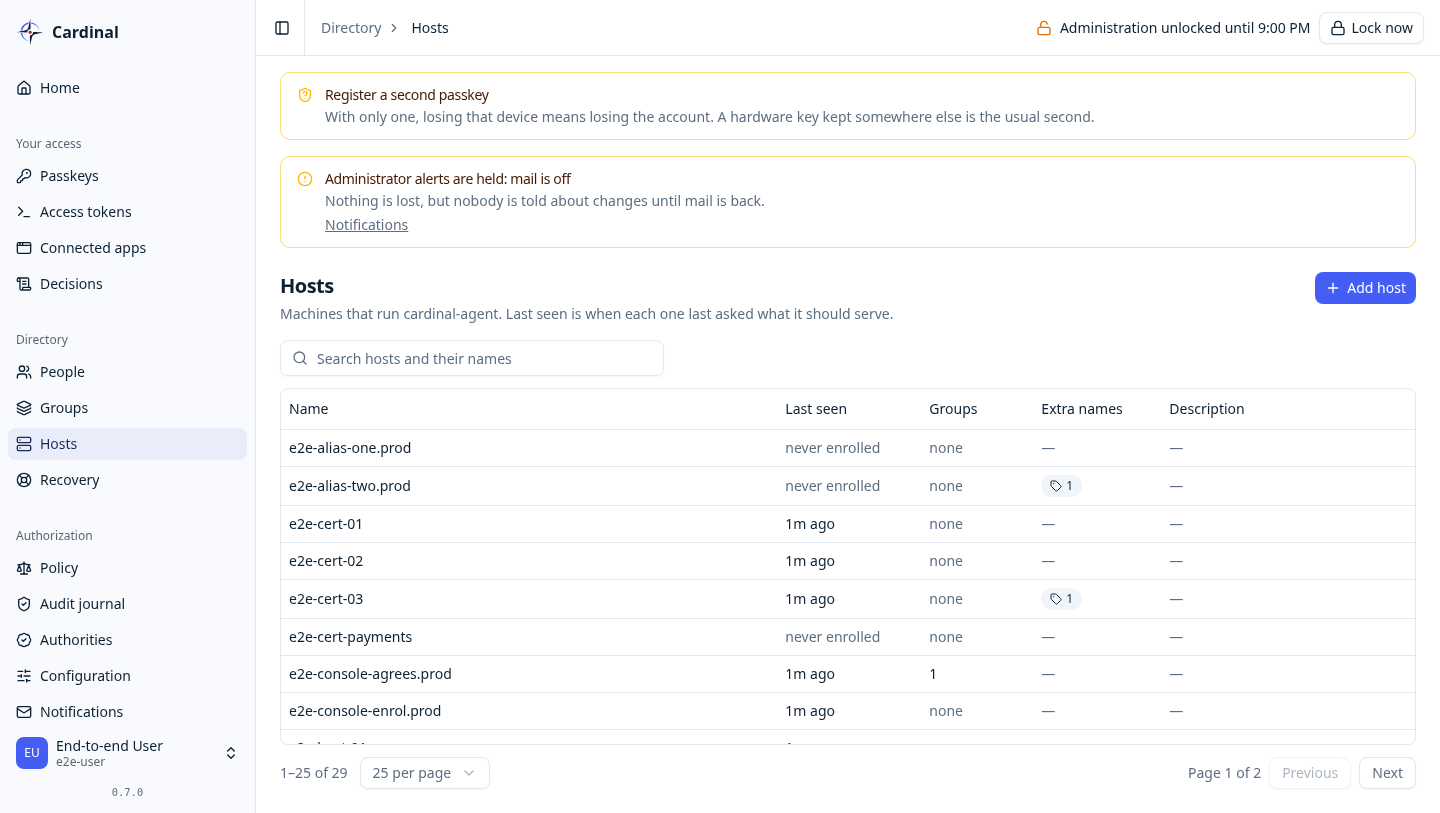
Directory → Hosts lists the fleet with agent health, and a host's page issues an enrolment token, the same one the CLI prints.